Pick the steps, add the child’s name and get the schedule strip, cut-out picture cards, a First-Then board and a routine chart in one PDF. 149 picture symbols, free, no sign-up.
Steps
Sheets in the PDF
Live preview — every sheet prints
A visual schedule shows the steps of a routine as pictures, in order, so a child can see what comes next instead of being told. This is a printing tool, not therapy advice — if your child works with a teacher, speech or occupational therapist, ask them which steps and pictures to use.
Each one opens the maker already filled in; change any step before printing.
Nine steps in the order kids actually do them, with the potty chair picture and a First-Then board (sit on the potty → all done!). Swap “Sit on the potty” for “Go to the bathroom” once the child uses the toilet.
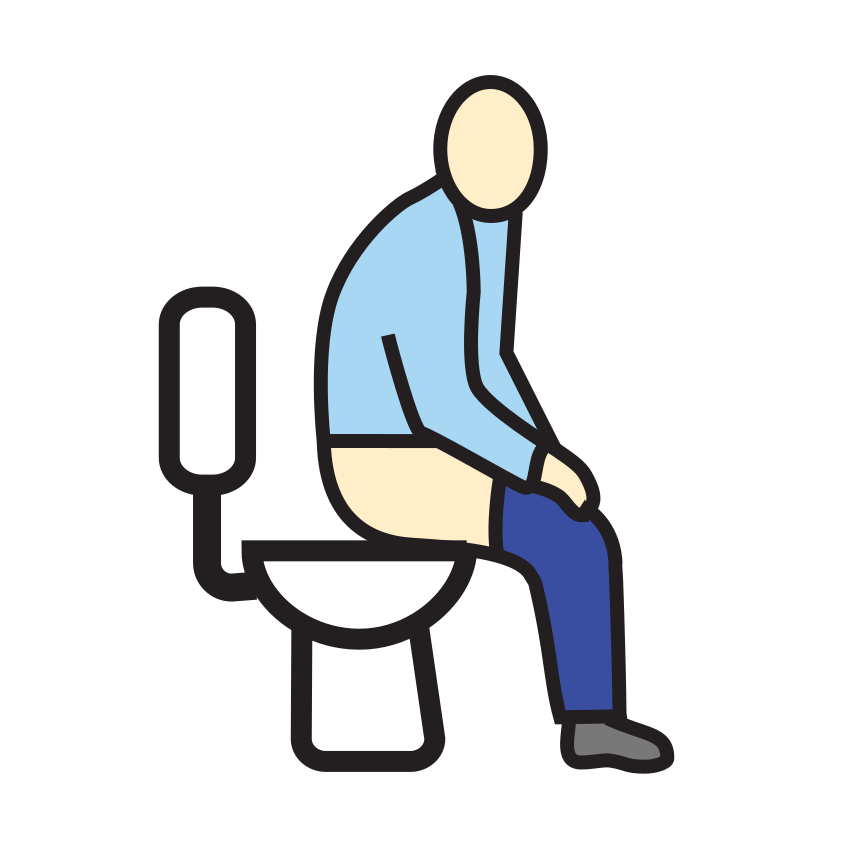 1. Go to the bathroom
 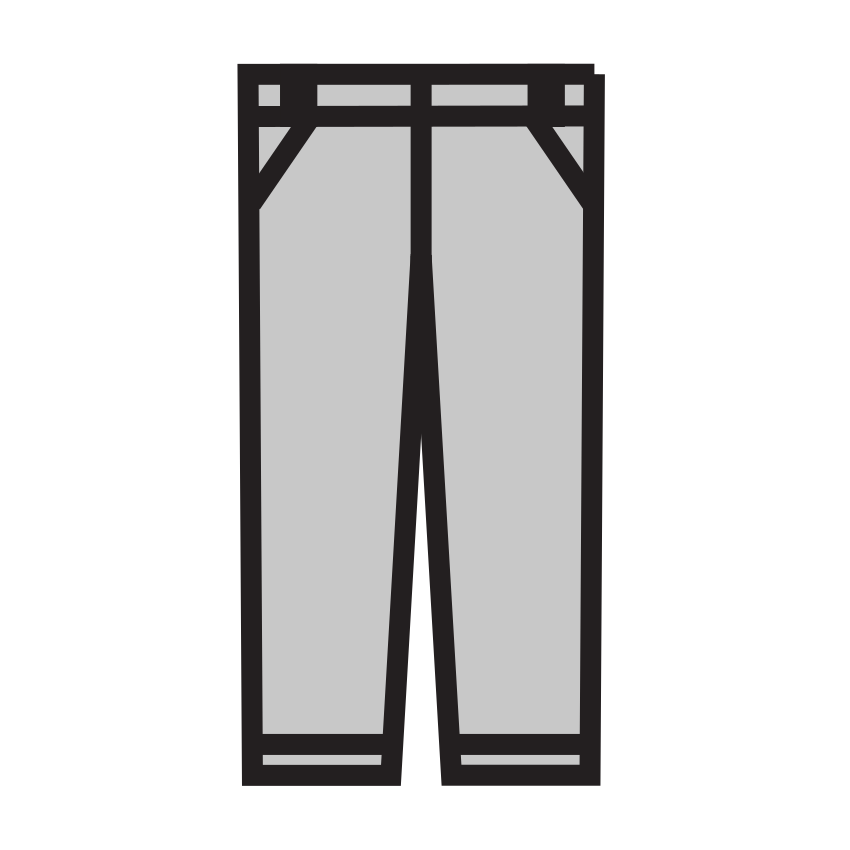 2. Pants down
 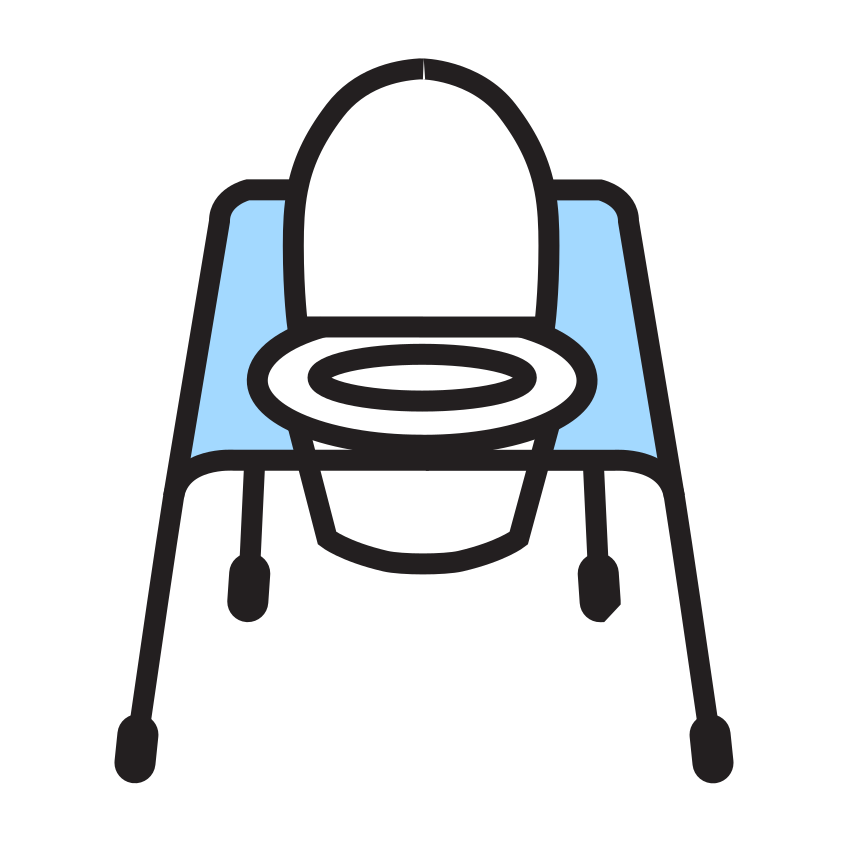 3. Sit on the potty
  4. Wipe 5. Pants up
  6. Flush
 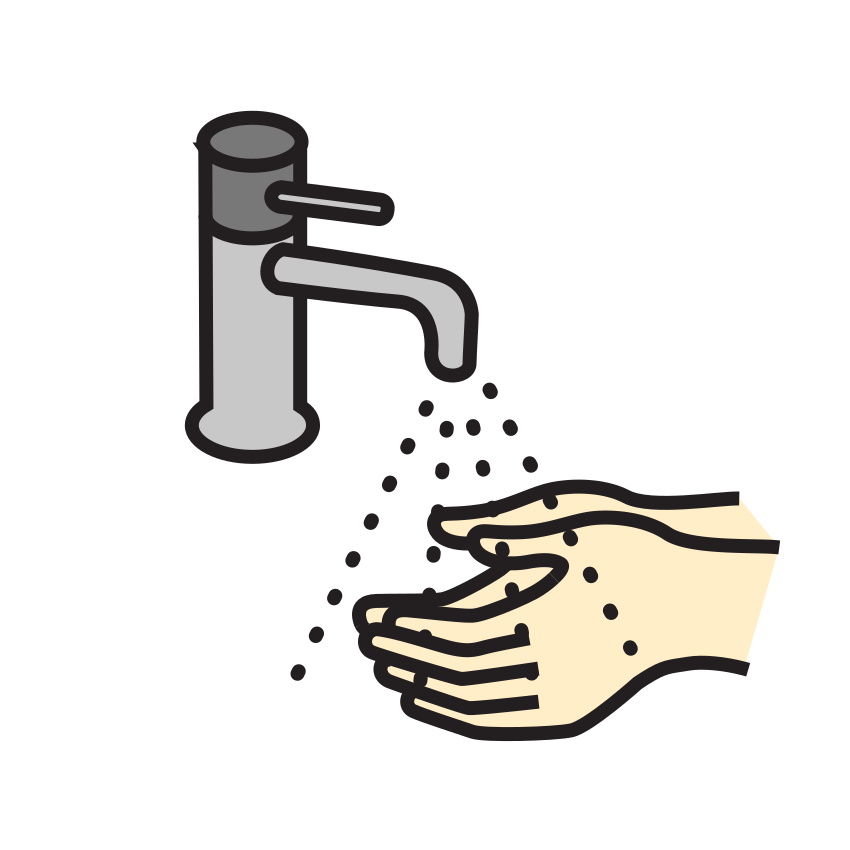 7. Wash hands
 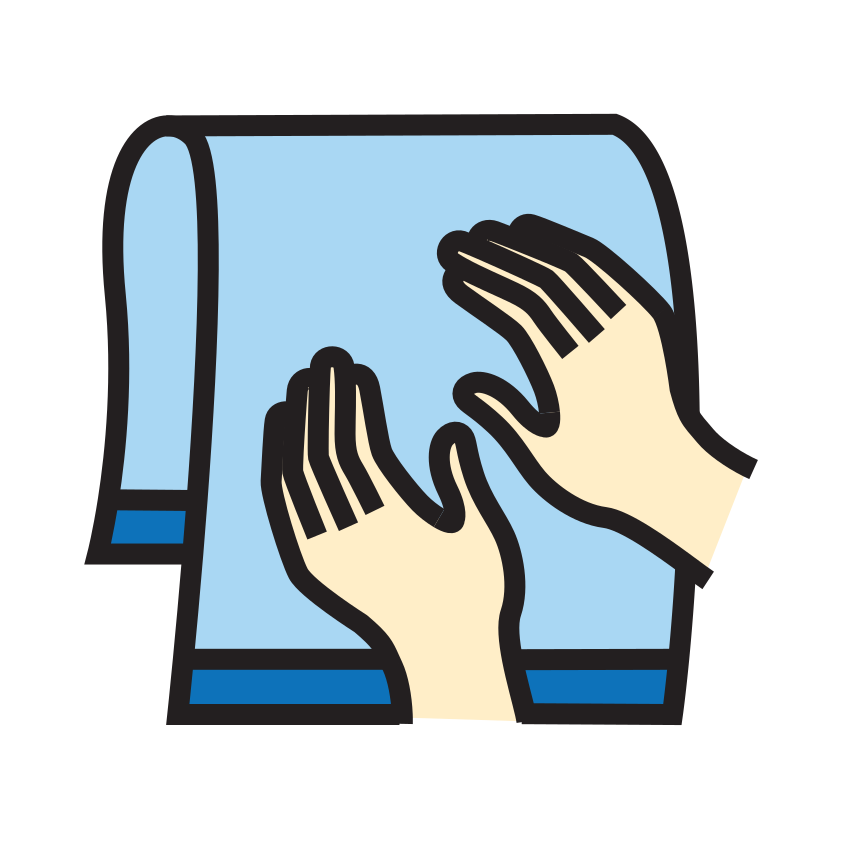 8. Dry hands
  9. All done!
 From waking up to getting on the bus. Print the routine chart page to check off each step Monday to Sunday.
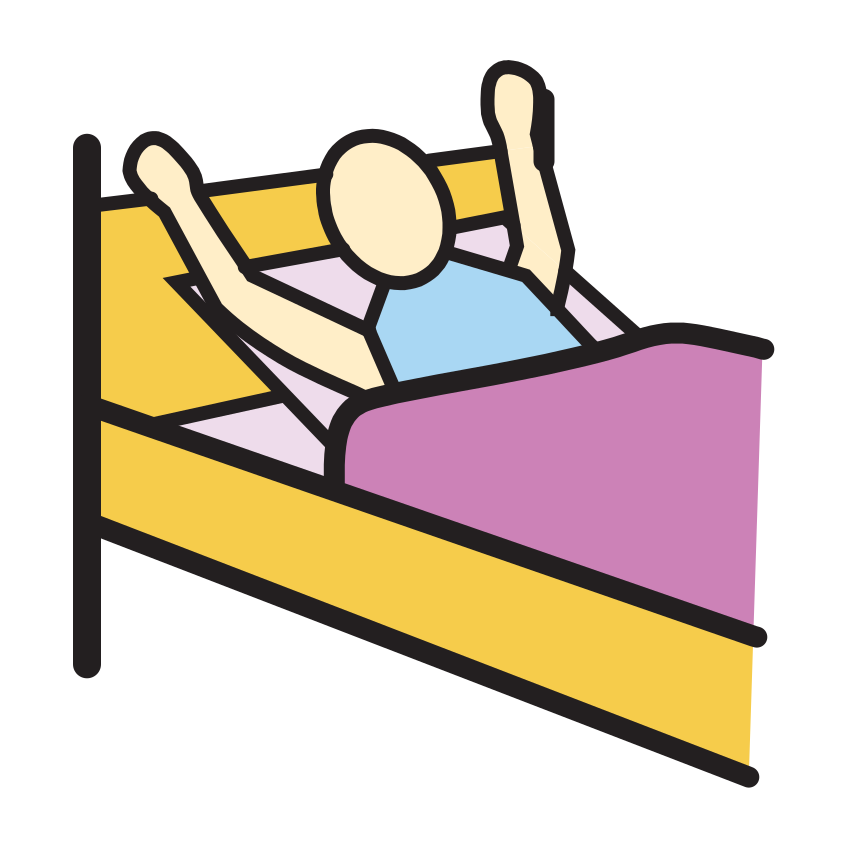 1. Wake up 2. Go to the bathroom 3. Wash hands
 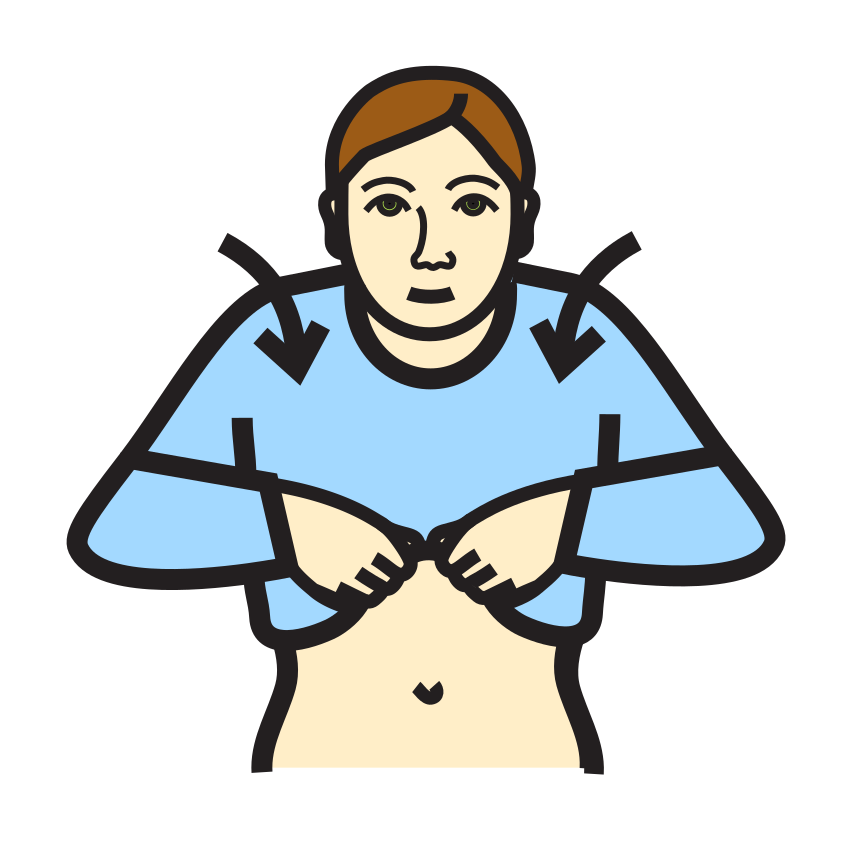 4. Get dressed
 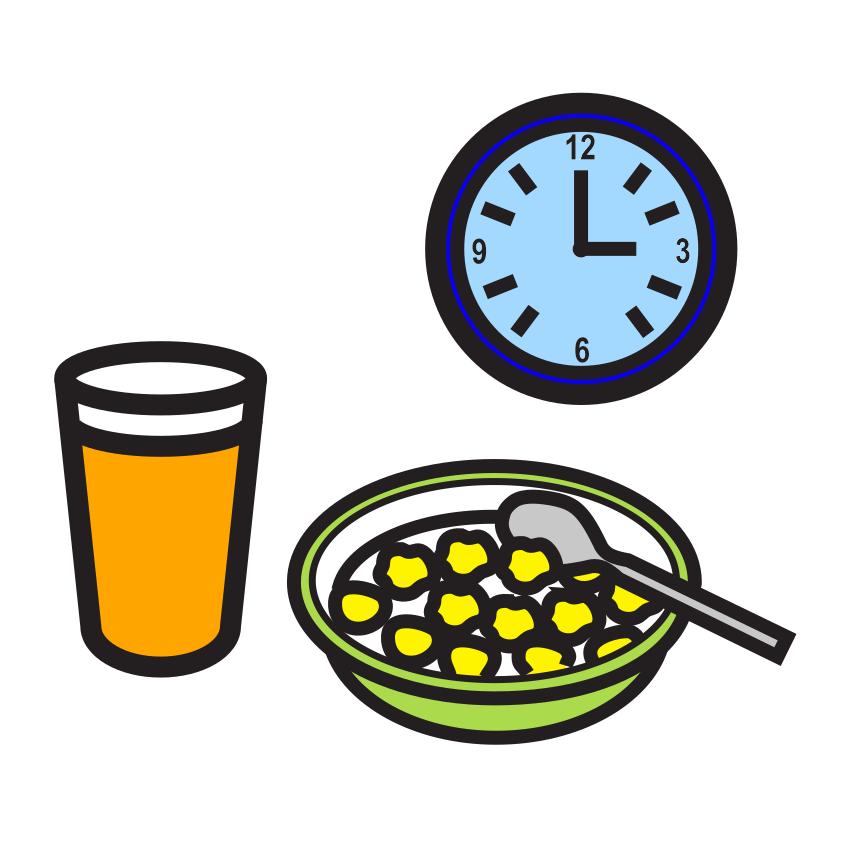 5. Breakfast
 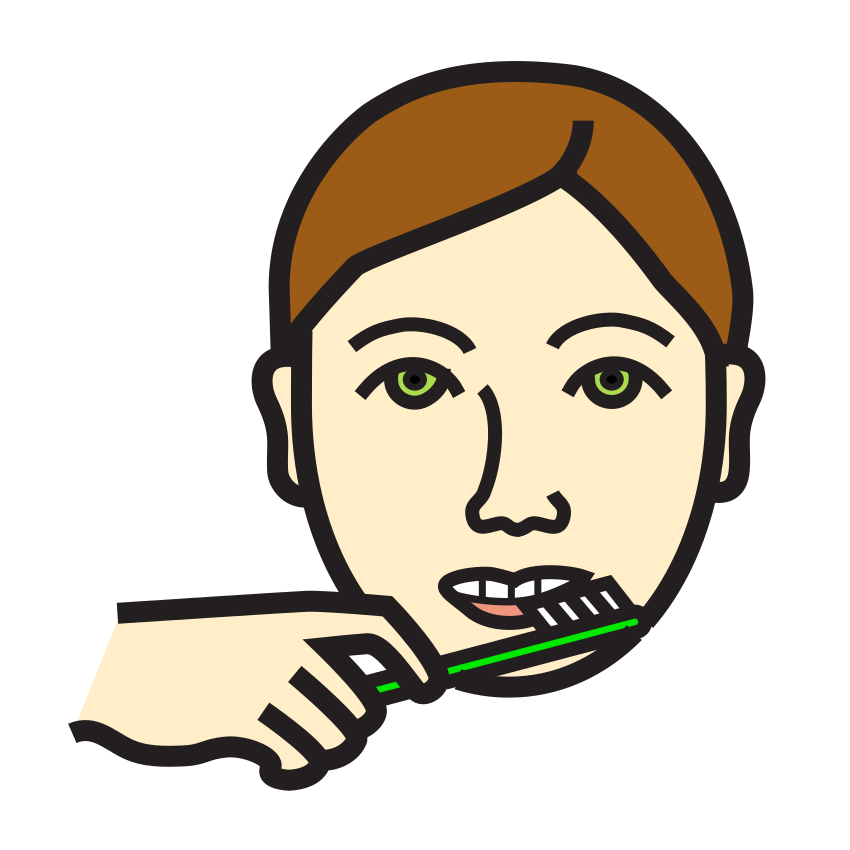 6. Brush teeth
 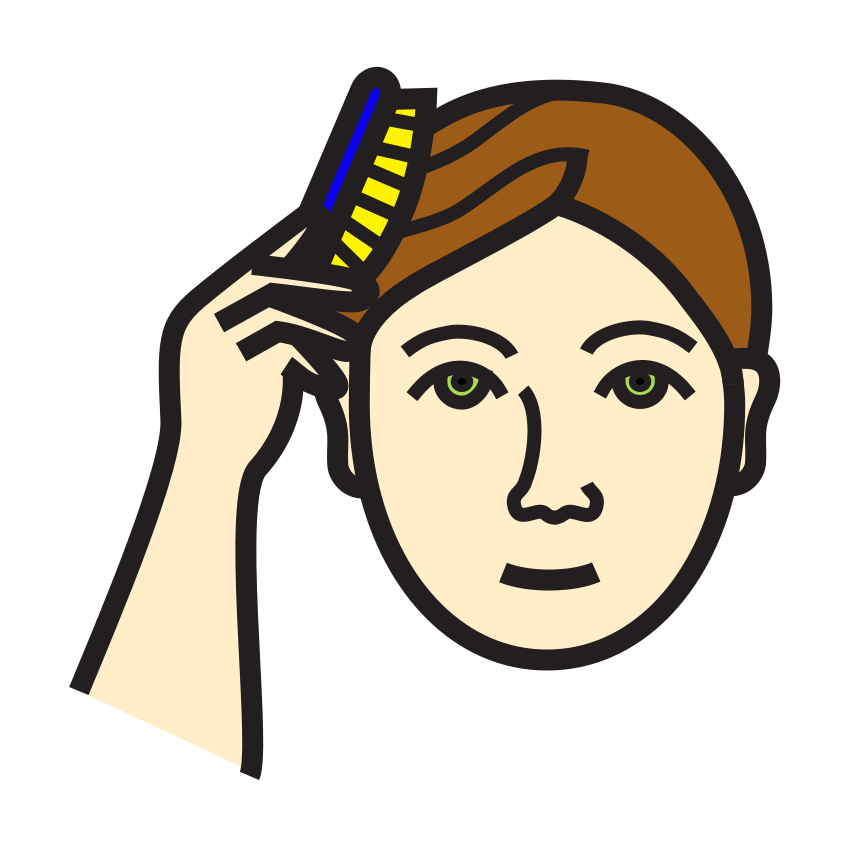 7. Brush hair
 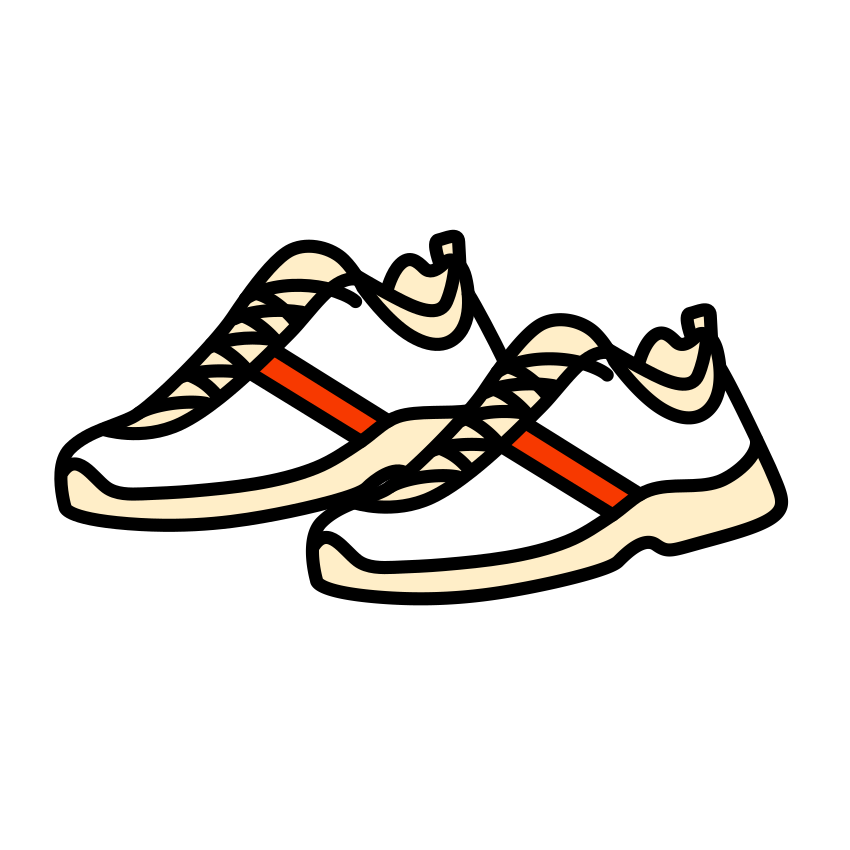 8. Shoes on
 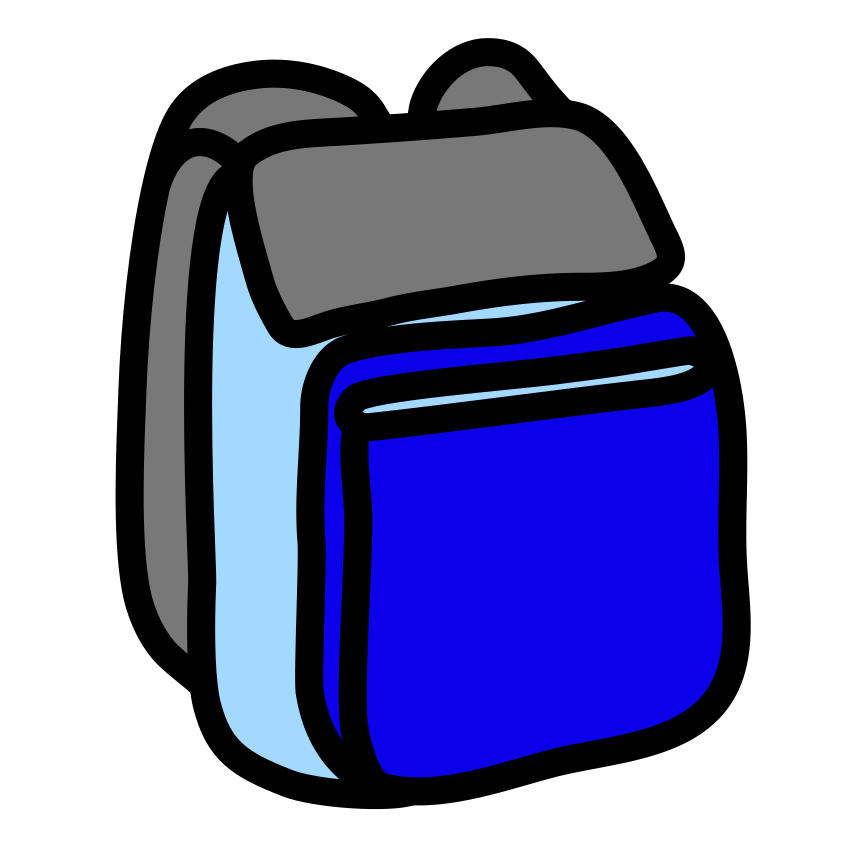 9. Grab backpack
 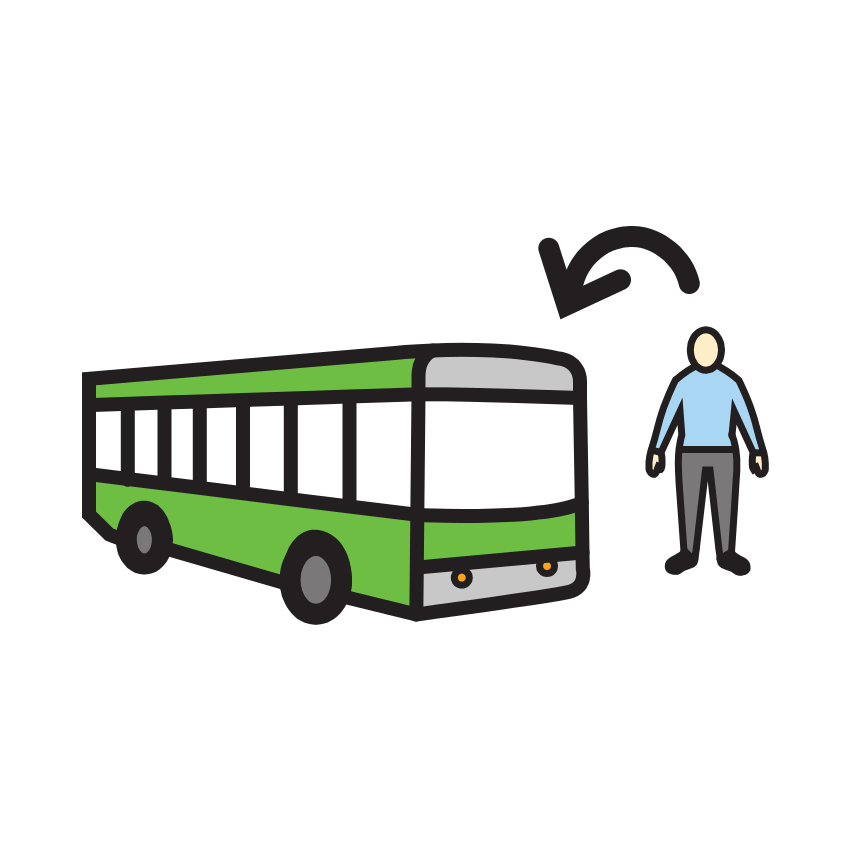 10. Get on the bus
 Dinner, bath, pajamas, teeth, bathroom, a story, a hug and lights off — the same order every night.
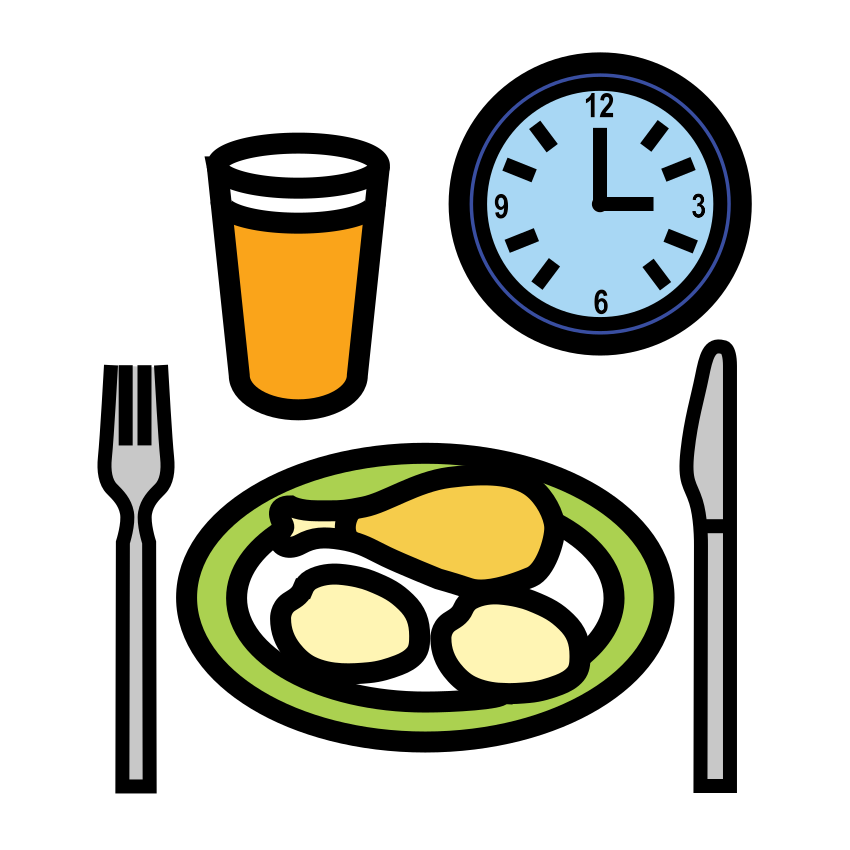 1. Dinner
 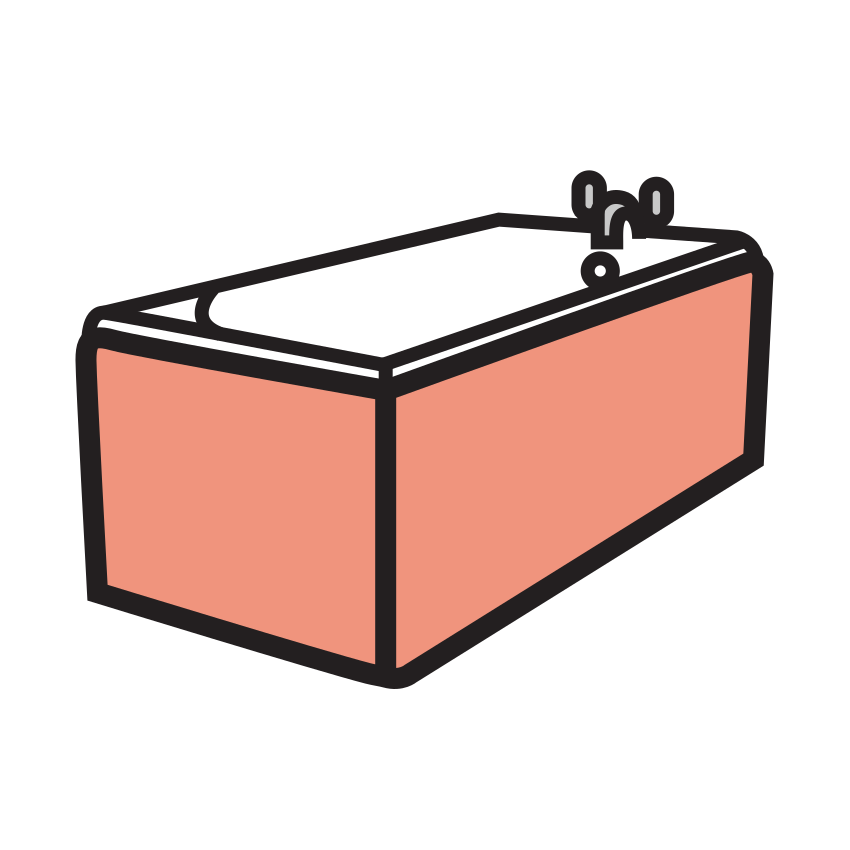 2. Bath
  3. Pajamas 4. Brush teeth 5. Go to the bathroom
  6. Story time
 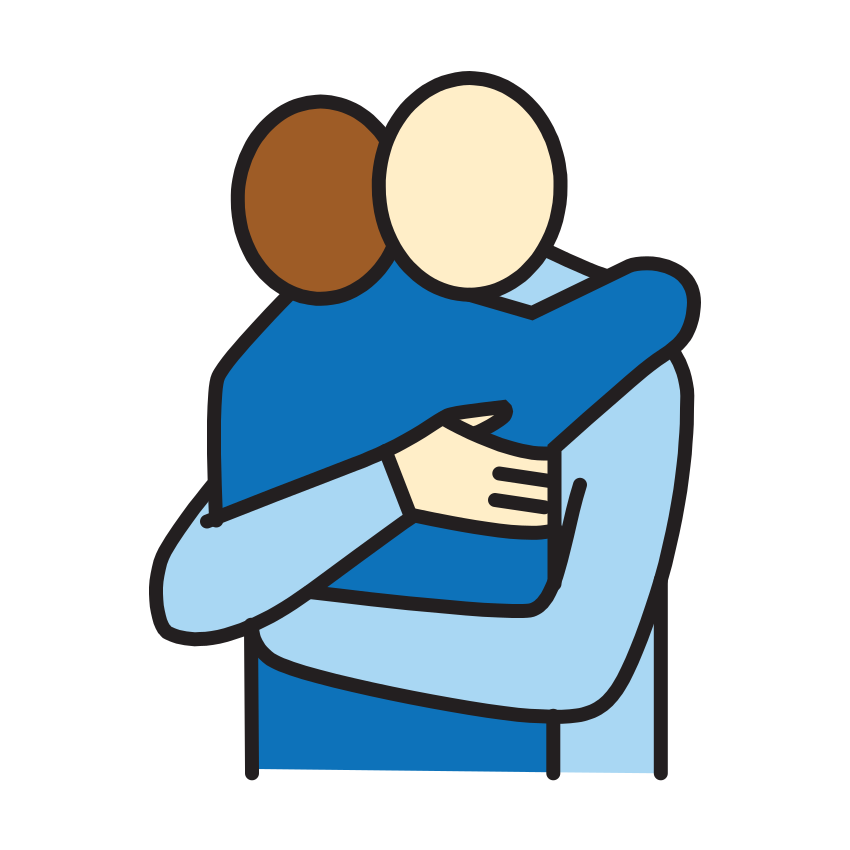 7. Hug goodnight
  8. Lights off
  9. Sleep
 A ready First-Then board (brush teeth → play) plus the cut-out cards, so you can change the two pictures as the day goes.
1. Brush teeth  2. Play
 A typical day: coat, circle time, reading, math, snack, recess, lunch, art, clean up and home. Edit the order to match your class timetable and add times.
 1. Hang up coat
  2. Circle time
  3. Reading
  4. Math
 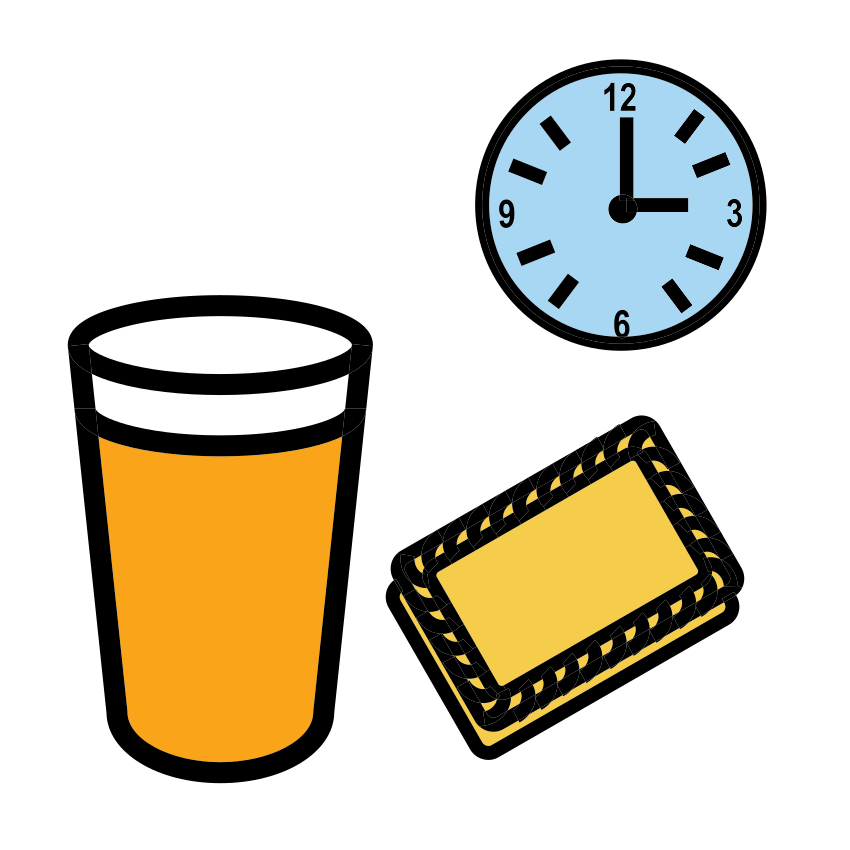 5. Snack time
 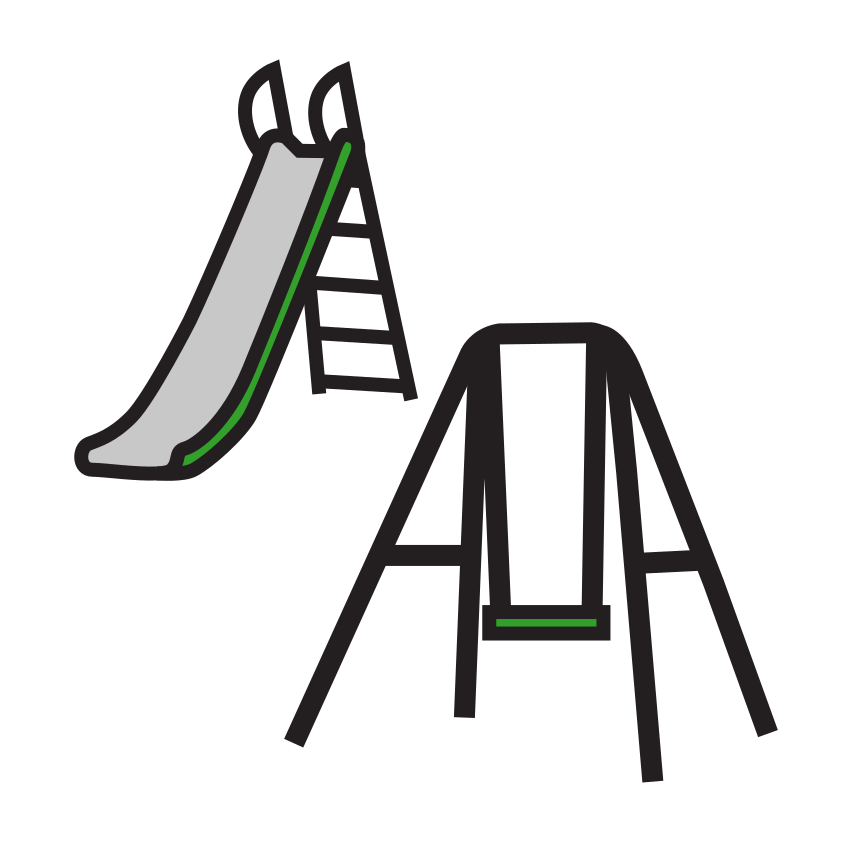 6. Recess
 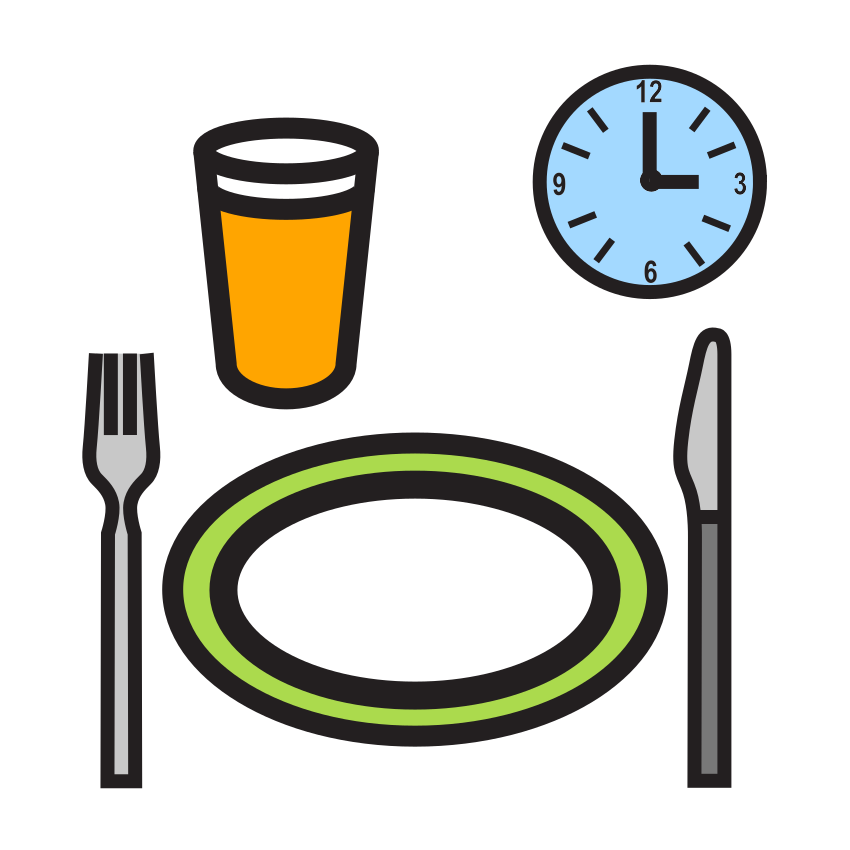 7. Lunch
 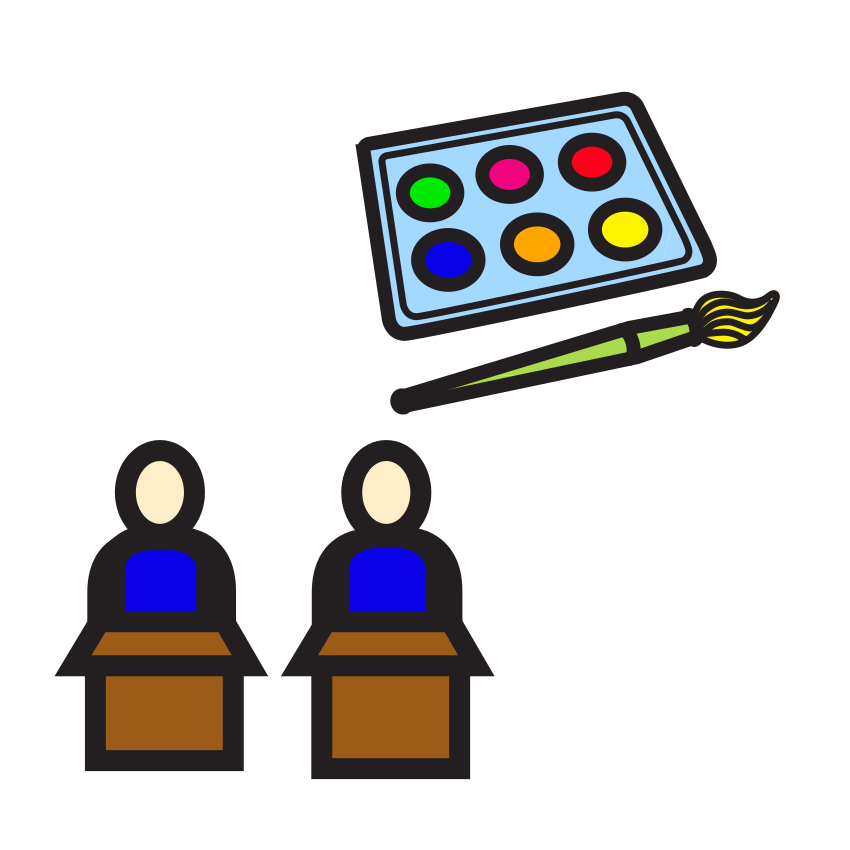 8. Art
  9. Clean up 10. Go home
 What will happen, step by step: the car ride, waiting, the dentist’s chair, opening wide and going home — useful to read together the day before.
 1. Car ride
  2. Wait in the waiting room
  3. See the dentist
 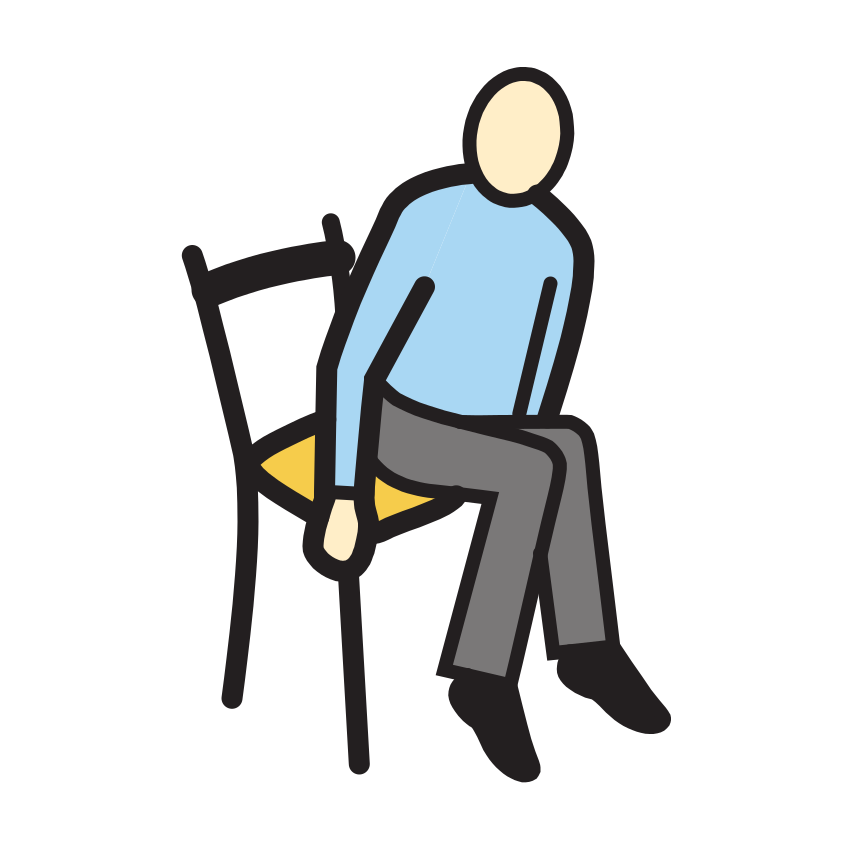 4. Sit in the chair
  5. Open mouth 6. Teeth get cleaned 7. All done!
  8. Go home
 The 149 pictures are Mulberry Symbols by Steve Lee, an open set made for communication boards and published under CC BY-SA 4.0. That licence lets anyone use them — at home, in class or in a product — as long as they are credited, so every sheet prints “Symbols: Mulberry Symbols by Steve Lee, CC BY-SA 4.0 (mulberrysymbols.org)” in the footer. The files are copied unchanged from the project’s repository (licence and source); only the labels are ours, in US English.
Looking for a plain list instead? Try the printable chore chart or the reward chart maker.
Put the details after a # in the address and this page opens with the worksheet already filled in — handy for a class newsletter, a bookmark or a link from a chat assistant. The part after # stays in your browser; it is never sent to our server.
Parameters
#preset= a ready routine: morning, bedtime, potty, first-then, dentist, school, after-school#words= the steps, by picture name or your own text (up to 12)#name= the child’s name#title= the schedule title#parts= which sheets: strip, cards, first-then, routine#size= card size: s, m or lCombine several with & (for example #title=…&words=…). Separate list items with |.
Examples
Start from one of the ready routines or from an empty list, then add steps from the picture library (or type a step that has no picture). Reorder them with the arrows, add times if you want, and choose which sheets to print: the schedule strip, cut-out cards, a First-Then board and a routine chart. Press Download PDF for one file with every sheet, or Print.
A board with two boxes: what happens first (often the less-liked task) and what comes next (something the child is looking forward to). The maker prints one filled in with the two steps you choose, plus a blank board you can use with the cut-out cards. Pick three steps to get a First-Then-Next board.
The 149 pictures are Mulberry Symbols by Steve Lee, published under the Creative Commons Attribution-ShareAlike 4.0 licence, which allows personal, classroom and commercial use as long as the symbols are credited. Every printed sheet carries that credit in its footer. We use them unchanged and wrote our own US English labels (Mulberry is British: nappy, pyjamas, trainers).
ARASAAC pictograms are licensed for non-commercial use only (CC BY-NC-SA), and Boardmaker symbols are paid and proprietary, so neither can be offered on a free site that carries ads. Mulberry Symbols are an open set designed for communication boards.
No. The schedule, the name and the PDF are all made inside your browser. Nothing you type is sent to our server or stored, and this page does not load session-recording tools. The “Copy link” button puts your choices after a # in the address, a part of the link that browsers never send to the server.
Small cards are 2 inches square (12 per page), medium 2.5 inches (9 per page) and large 3.5 inches (4 per page). Laminate them and put a hook-and-loop dot on the back so the child can move each card to the “done” side or into the First-Then board.